




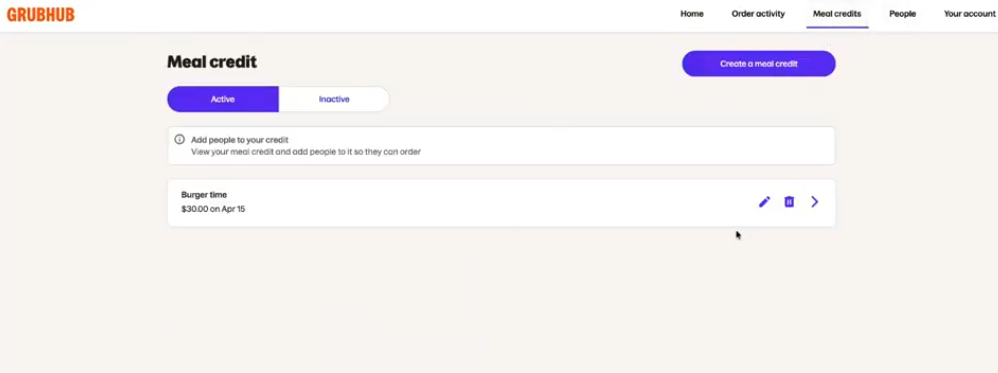
Navigate to the Meal Credit page to view your active Meal Credits, create new ones, or deactivate credits you no longer want to use.
How do I use Meal Credits?
You can create different Meal Credits per event or meal budget. It’s up to you!
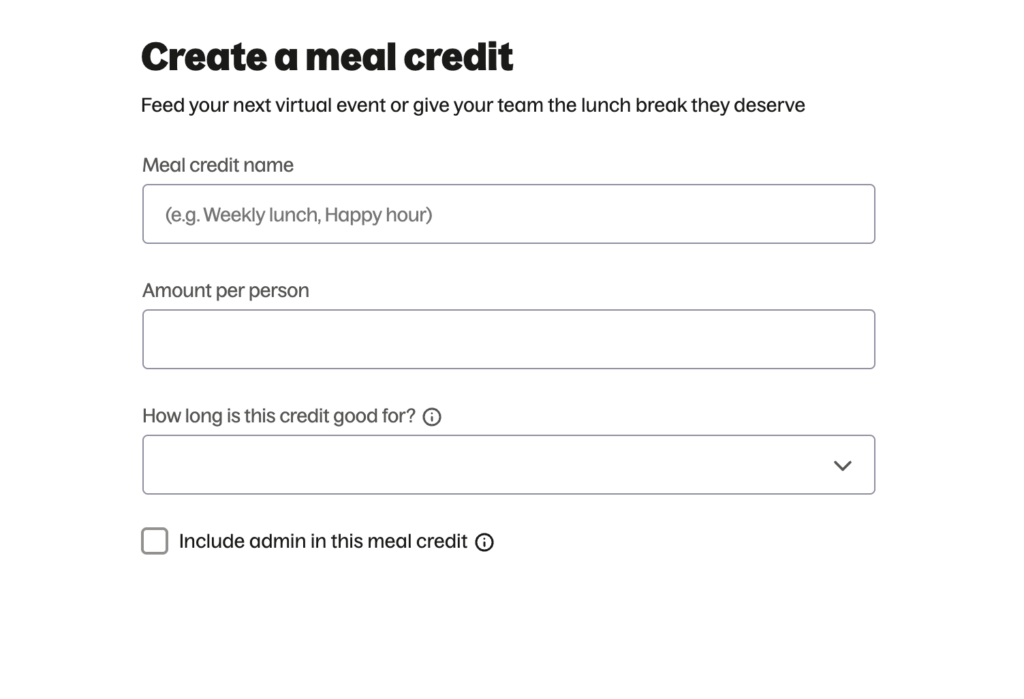
You can add the same or different people to each Meal Credit.
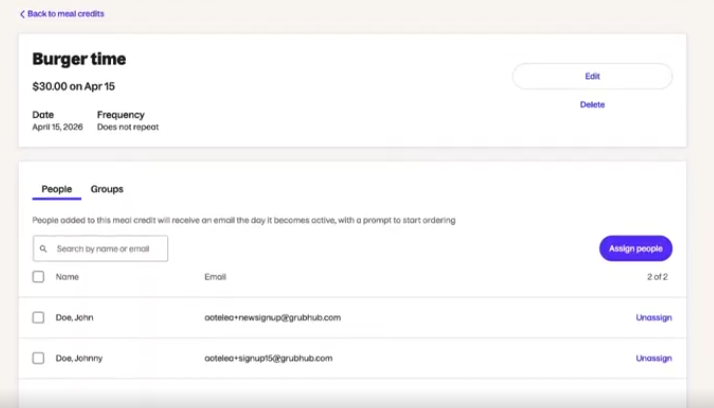
Click the Trash Can icon to deactivate a Line of Credit.
If you have any additional questions that have not been addressed in this article, please refer to our FAQ page.
Can I create meal credits that exceed my Line of Credit provided by Balance?
Yes, it is possible to create meal credits even if the total meal credit amount exceeds your Balance allotted Line of Credit (LOC). As the administrator, you can ensure your Line of Credit is effectively managed and monitored via the Admin Portal Homepage. If you are nearing your line of credit, you can pay down your account balance via the Balance Portal linked on the homepage and in your account page. If your line of credit is reached, orders that are placed using meal credits will not process and the diner will be prompted to utilize their personal credit card.